
Antalis and Maya Access Reference
Walkthrough in English
| Type | Access reference |
|---|---|
| Rewards |
 wooden key |
Requirements
- Enough free carrying capacity and inventory space for the entire reward.
- All listed switches must be in the specified state.
Items used in this quest
The walkthrough explains which items are obtained during the quest and where components are placed or consumed.

Walkthrough
Show walkthroughStep-by-step instructions, dialogue and highlighted views
Part 1Mine Key
Before this stage
- Enough free carrying capacity and inventory space for the entire reward.
- 1
Locate the quest object in the view below. The next instruction identifies its numbered marker.
- 2
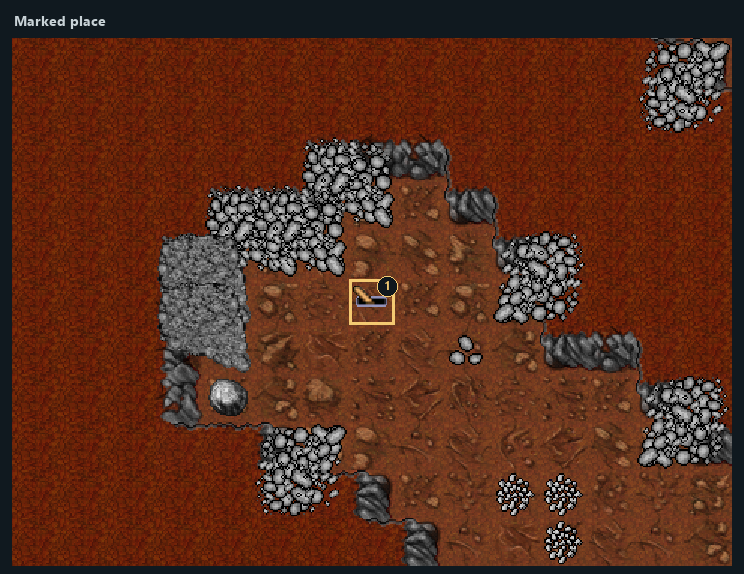
At marker 1 in View 1, use the chest. Receive 1 × wooden key (key number 5007).
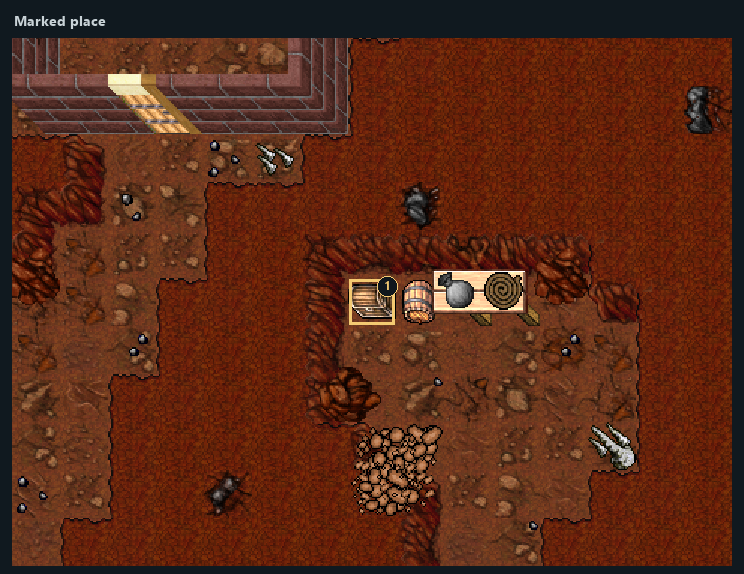
Highlighted places: 1 — Reward 1: wooden key.
- 1Reward 1: wooden key
Part 2Mayamino — Barrier
- 1
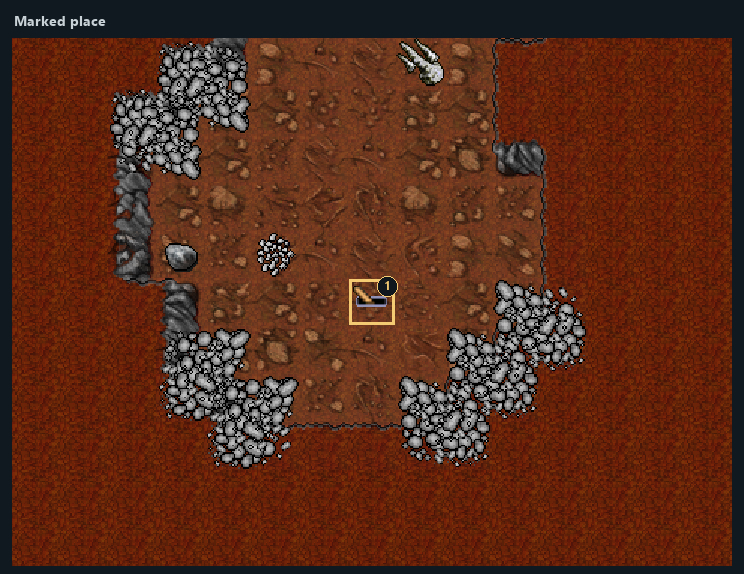
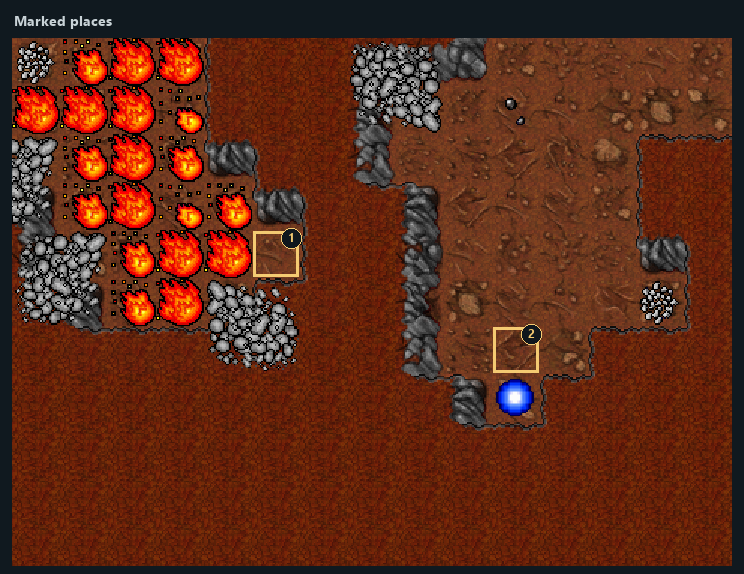
Use the lever at marker 2 in View 2 to remove the stone at marker 1 in View 2.
- 2
Pass through the opened route. Using the lever again restores the barrier.
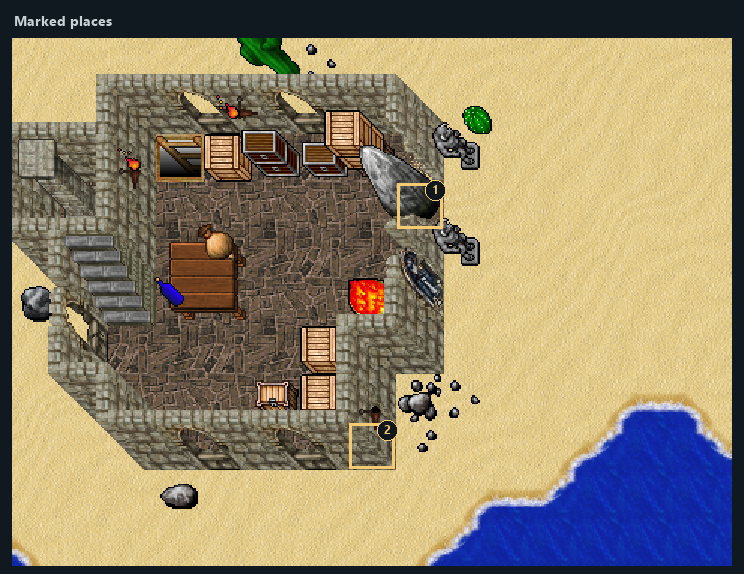
Highlighted places: 1 — Barrier opens here; 2 — Use this mechanism.
- 1Barrier opens here
- 2Use this mechanism
Part 3Minostone — Barrier
- 1
Use the lever at marker 1 in View 3 to remove the stone at marker 1 in View 4.
- 2
Pass through the opened route. Using the lever again restores the barrier.
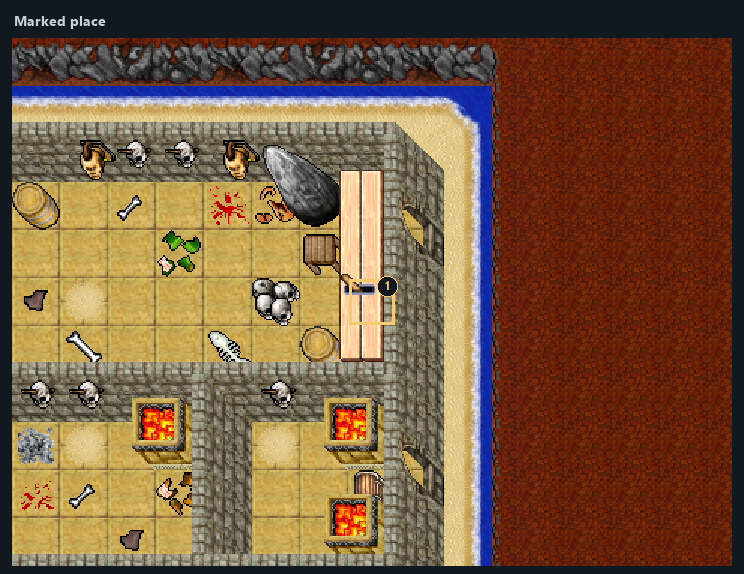
Highlighted places: 1 — Use this mechanism.
- 1Use this mechanism
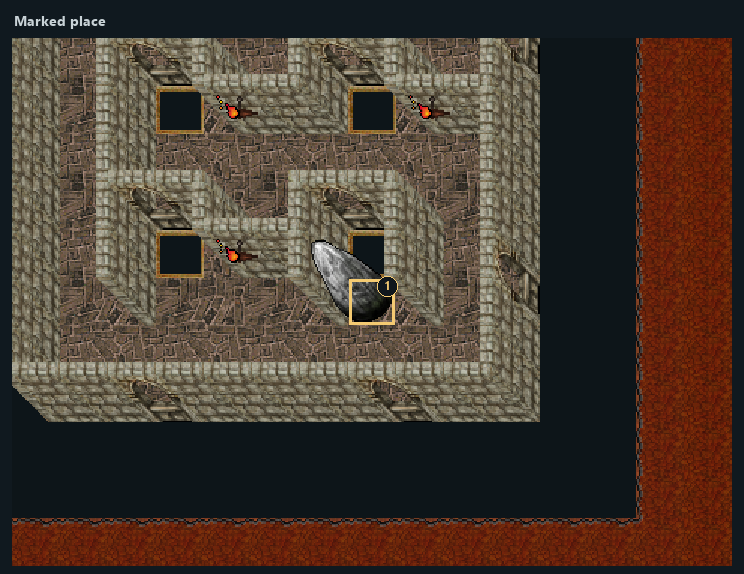
Highlighted places: 1 — Barrier opens here.
- 1Barrier opens here
Part 4Five-Switch Puzzle
Before this stage
- All listed switches must be in the specified state.
- 1
Set the switch at marker 1 in View 6 to RIGHT (handle tilted right; see reference image).
- 2
Set the switch at marker 1 in View 7 to RIGHT (handle tilted right; see reference image).
- 3
Set the switch at marker 1 in View 8 to RIGHT (handle tilted right; see reference image).
- 4
Set the switch at marker 1 in View 9 to RIGHT (handle tilted right; see reference image).
- 5
Set the switch at marker 1 in View 10 to RIGHT (handle tilted right; see reference image).
- 6
Use the main lever at marker 1 in View 5.
- 7
Enter the portal at marker 1 in View 11 to reach marker 2 in View 11.
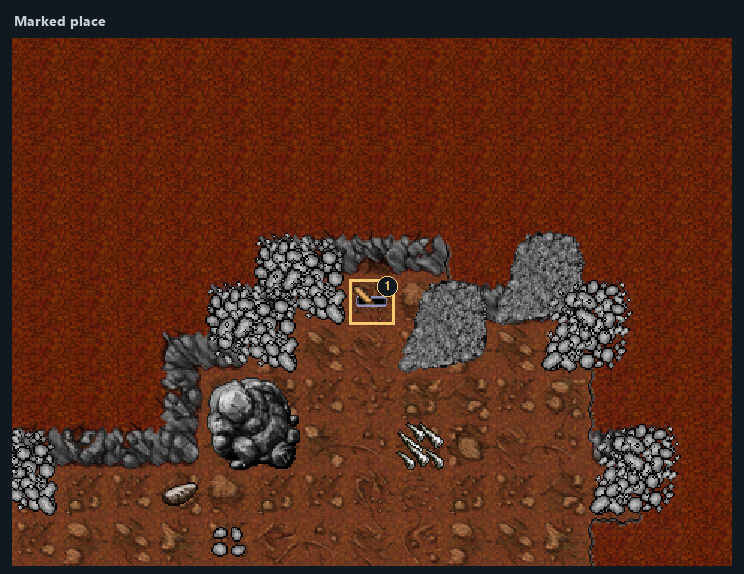
Highlighted places: 1 — Use this mechanism.
- 1Use this mechanism
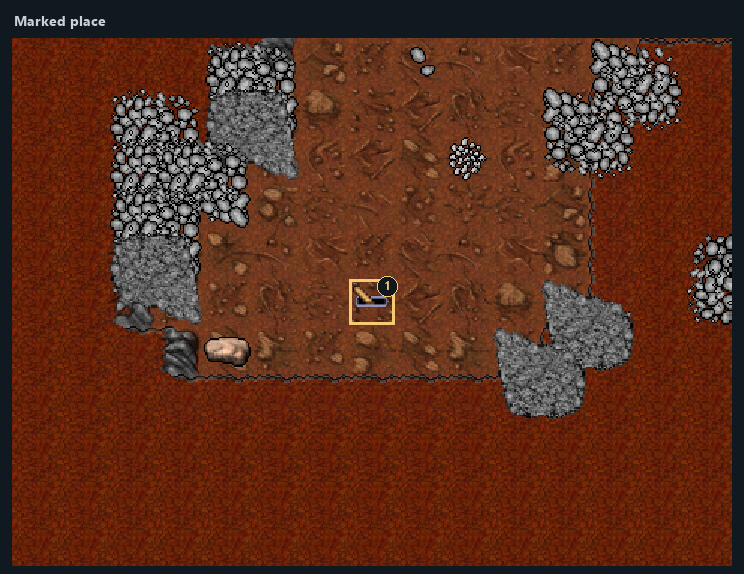
Highlighted places: 1 — Switch RIGHT.
- 1Switch RIGHT
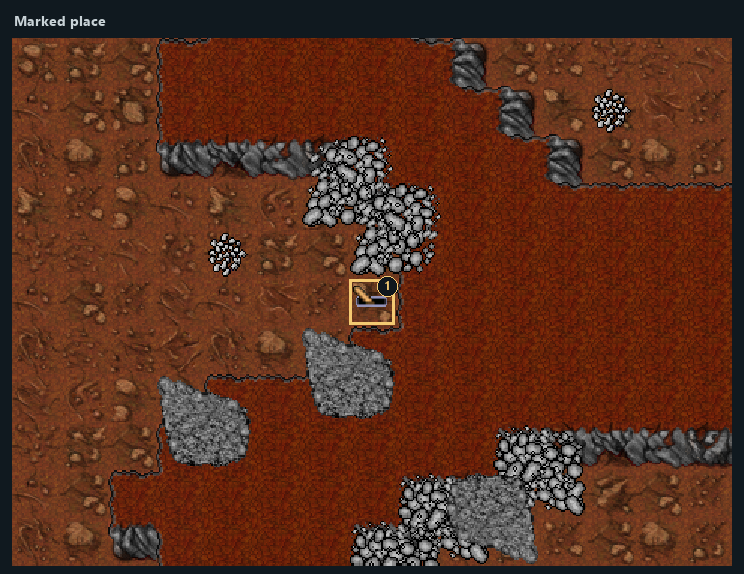
Highlighted places: 1 — Switch RIGHT.
- 1Switch RIGHT
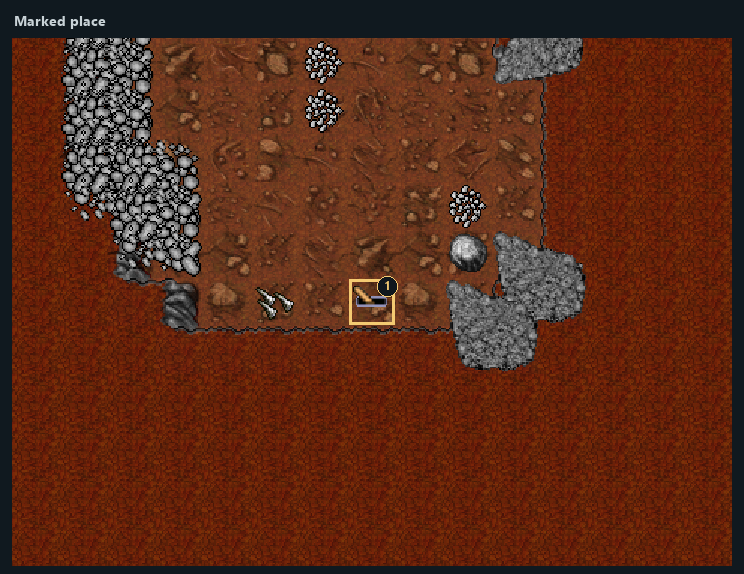
Highlighted places: 1 — Switch RIGHT.
- 1Switch RIGHT
Highlighted places: 1 — Switch RIGHT.
- 1Switch RIGHT
Highlighted places: 1 — Switch RIGHT.
- 1Switch RIGHT
Highlighted places: 1 — Portal; 2 — Arrival area.
- 1Portal
- 2Arrival area
Part 5Two-Switch Underground Puzzle
Before this stage
- All listed switches must be in the specified state.
- 1
Set the switch at marker 1 in View 13 to RIGHT (handle tilted right; see reference image).
- 2
Set the switch at marker 1 in View 14 to RIGHT (handle tilted right; see reference image).
- 3
Use the main lever at marker 1 in View 12.
- 4
Enter the portal at marker 2 in View 12 to reach marker 1 in View 15.
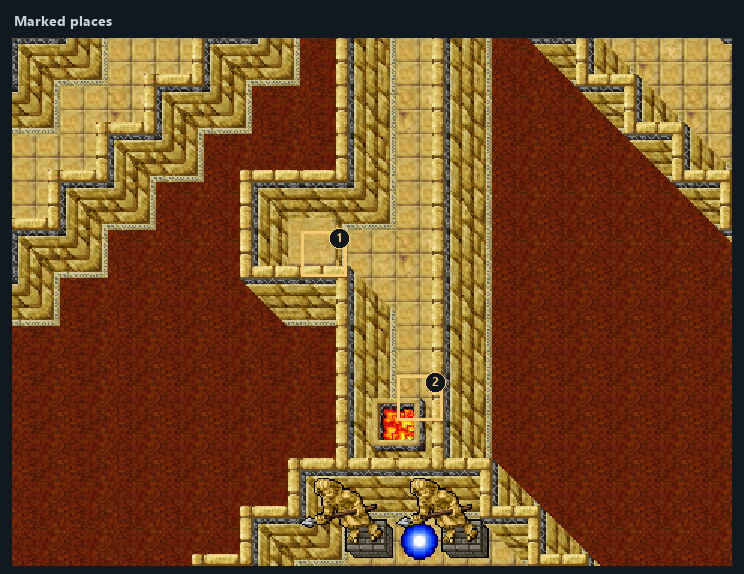
Highlighted places: 1 — Use this mechanism; 2 — Portal.
- 1Use this mechanism
- 2Portal
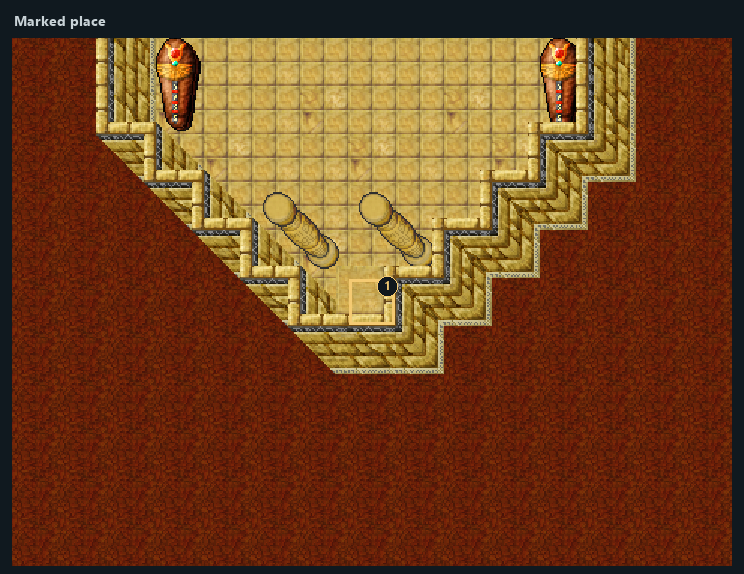
Highlighted places: 1 — Switch RIGHT.
- 1Switch RIGHT
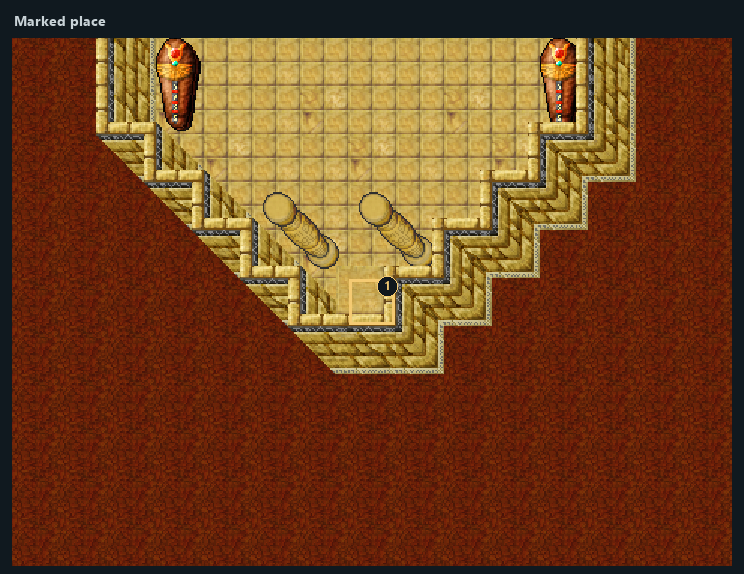
Highlighted places: 1 — Switch RIGHT.
- 1Switch RIGHT
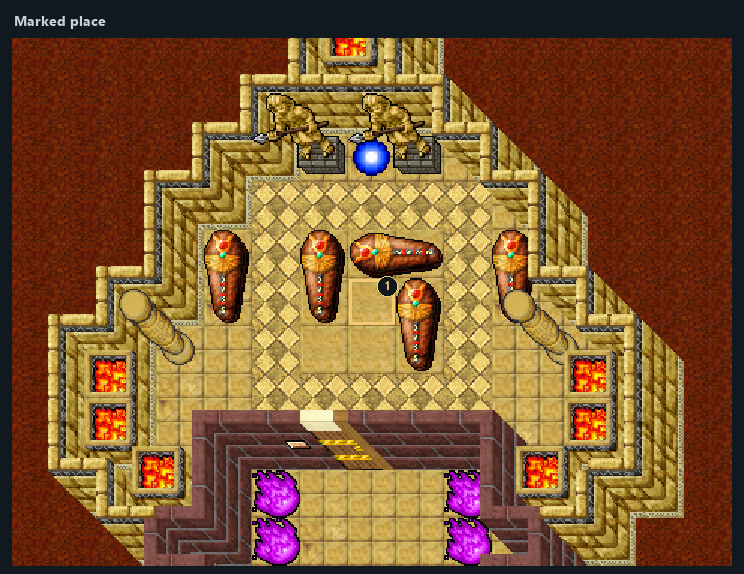
Highlighted places: 1 — Arrival area.
- 1Arrival area
Part 6Scrab — Ritual
Items used in this stage
- 1
Place scarab coin at marker 2 in View 16 (one consumed).
- 2
Use the lever at marker 1 in View 16.
- 3
You are transferred to marker 3 in View 16.
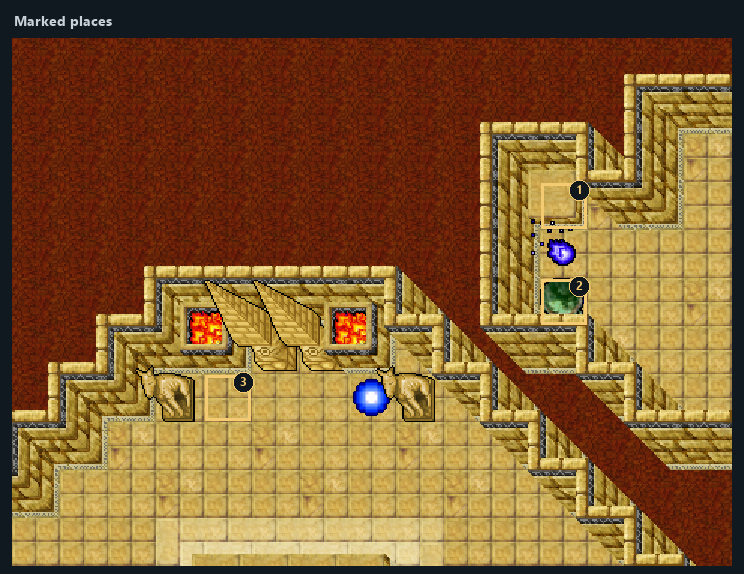
Highlighted places: 1 — Use this mechanism; 2 — Offering: scarab coin; 3 — Arrival area.
- 1Use this mechanism
- 2Offering: scarab coin
- 3Arrival area
Rewards and completion
- 1 × wooden key (key 5007)
- Access through the barrier.
- Portal access.
- Access to the next area.
wooden keyNotes
- The sections in this reference are independent. Their displayed order does not assert a required quest sequence.