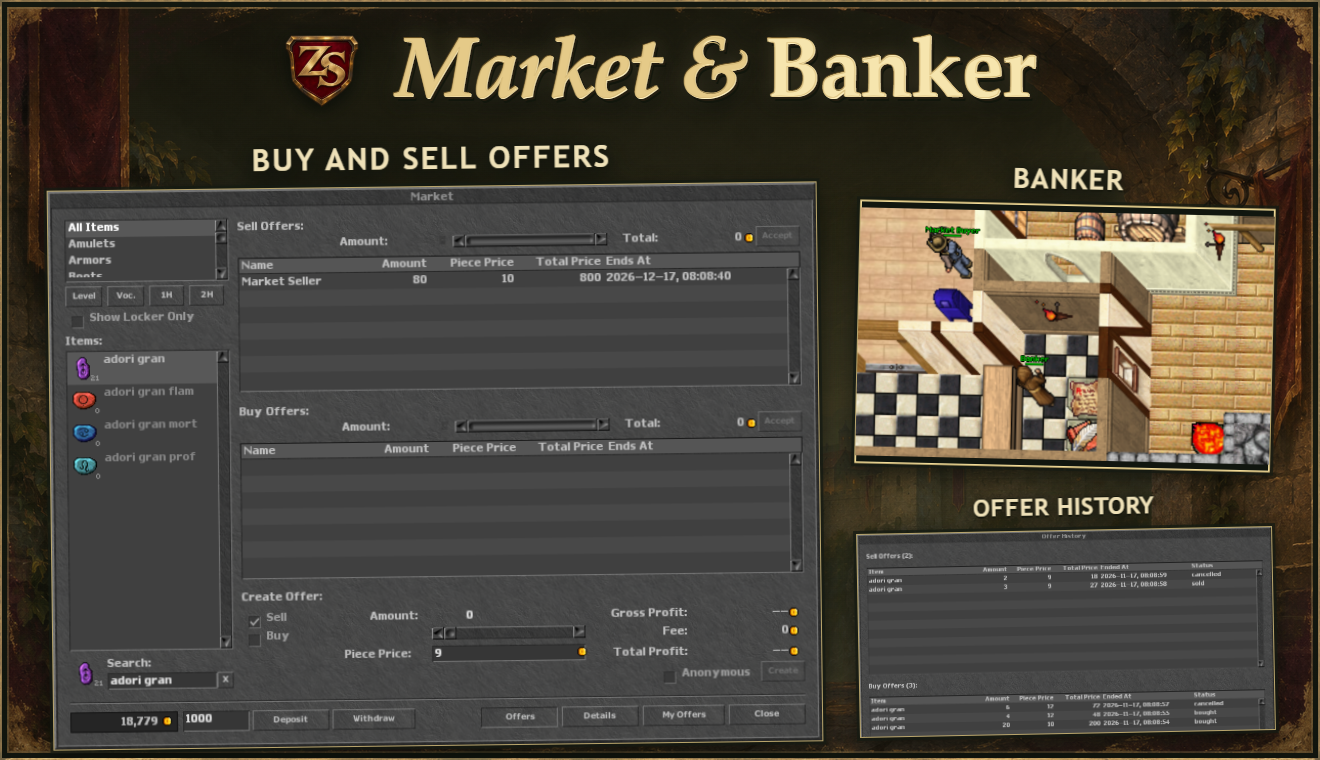

You can now buy and sell items through the market in your depot. Money deposited with a Banker is also available in the market — both use your character’s bank balance.
Update detailsHide details+
Market in your depot
Restart ZS Client to download the update.
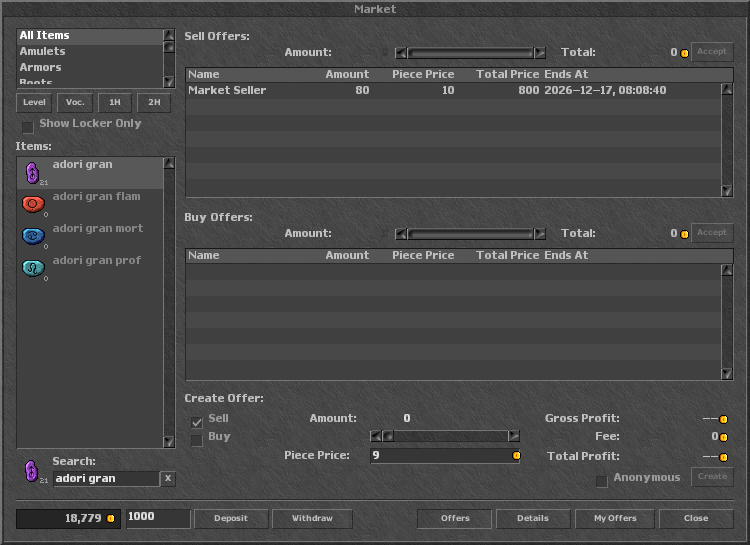
Open your own Locker. The Market tile is just after the Depot icon — double-click it. Choose an item from the list or search by name.
Buy and sell
Accept another player’s offer or create your own: choose buy or sell, the item amount and the price per item.
There is no market fee. Offers last 30 days.
Offers can be filled partially — choose the amount you need.
Purchased items arrive in your depot. If it is full, free some space so the market can finish the delivery.
Banker and one balance
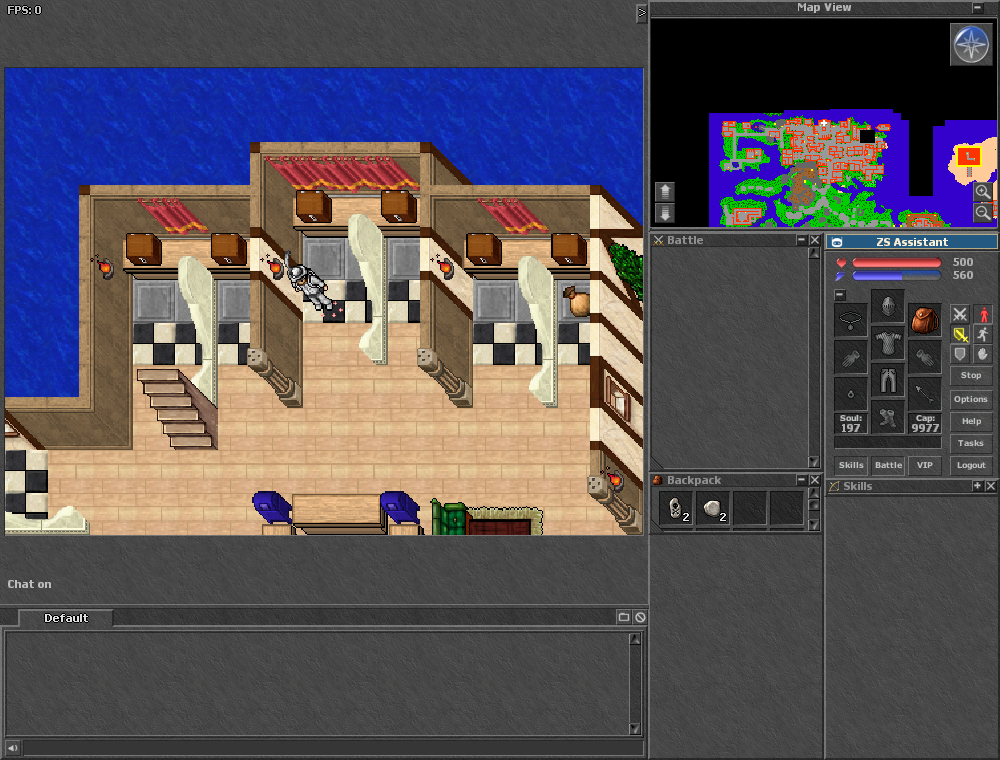
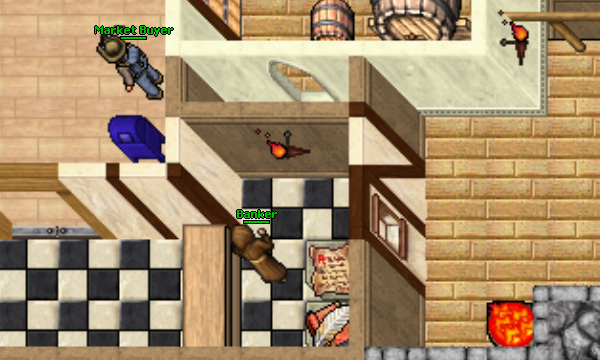
Five Bankers now occupy the former Guild Master locations. Visit one to deposit money, withdraw it or check your balance.
Bankers and the market share your character’s bank balance. There is no need to transfer money between them.
hi
Start talking
balance
Check your balance
deposit 1000 / deposit all
Deposit an amount or all carried coins
withdraw 500
Withdraw an amount
yes / no
Confirm or cancel
Your offers and history
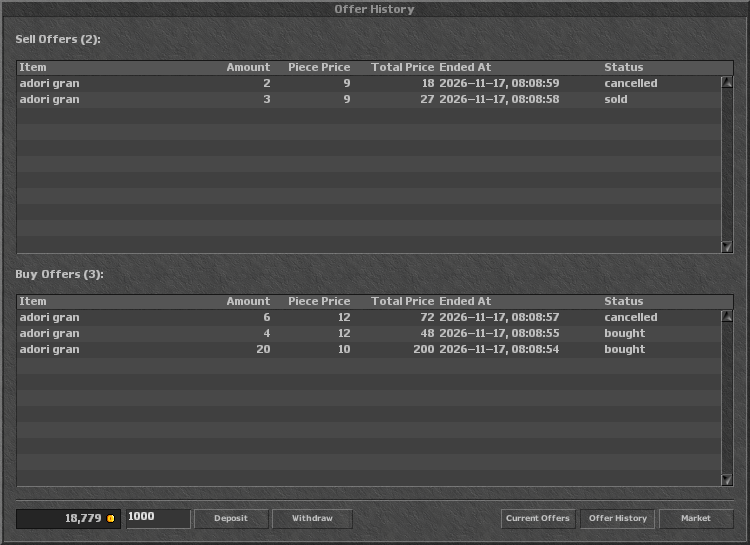
My Offers lists your active offers and lets you cancel them. Offer History shows filled, cancelled and expired offers.
The market sets aside the items or money needed when you create an offer. Cancelling returns the unused portion.
Client and game
Party, Assistant and new spells
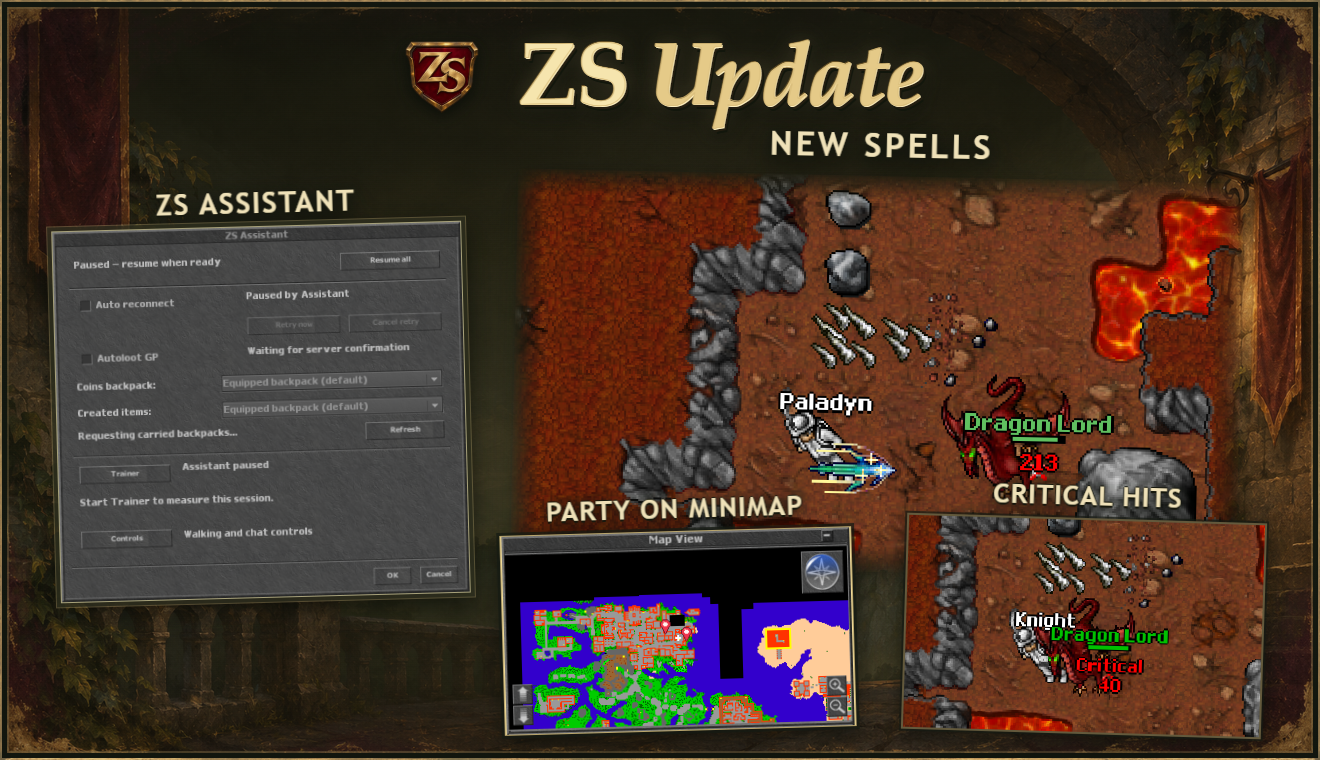
Party members now appear on the minimap, and Assistant has a shared pause and separate backpacks. Exori hur, exori con and exevo mas san have joined the spell list.
Update detailsHide details+
Party and minimap
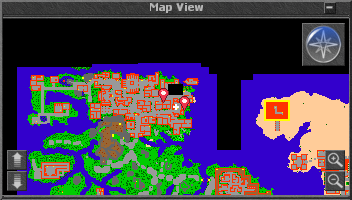
See where your party members are on the minimap. The pink markers move with them.
Shared EXP gives a bonus: 10% for 2 players, 15% for 3 and 20% for at least 4.
Task progress counts for eligible party members with active Shared EXP and the corresponding task.
Assistant
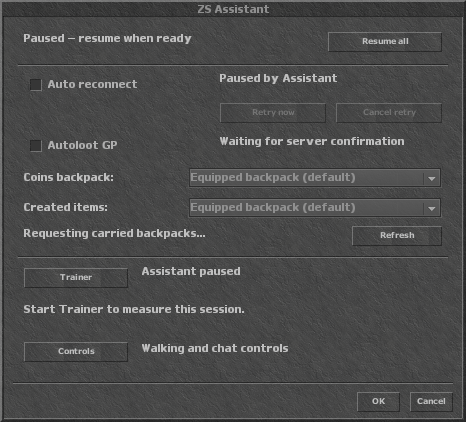
Assistant shows activity status and a training summary. Pause lets you stop activities and resume them with the same settings.
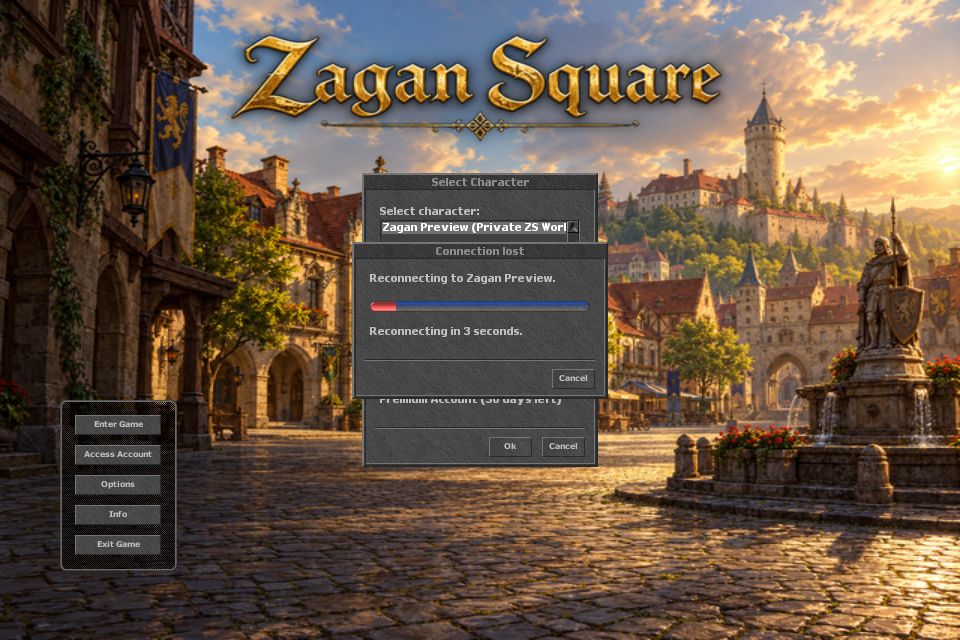
Auto reconnect shows connection status, a countdown, and retry and cancel buttons. Resuming training and spell casting after login is enabled separately in the settings.
Items
Autoloot GP collects coins when a monster corpse is opened, if the option is enabled.
The selected backpacks for money and conjured items must be open and carried by the character.
Conjured items fill matching stacks.
Coin exchange has no waiting time between exchanges and merges matching stacks.
Moved items first fill stacks in the backpack or depot, up to 100 items.
New spells
Spell
Vocation
Range
Mana
exori hur
Knight / EK
3 tiles
40
exori con
Paladin / RP
4 tiles
40
exevo mas san
Paladin / RP
3 × 3 around the character
160
All three deal physical damage. Their strength depends on character level and magic level; exhaustion is 2 seconds.
Spells, potions and ammunition
exeta res: affects monsters up to two tiles around the caster (a 5×5 area).
exevo flam sio: deals about 115% of the base damage of Sudden Death at the same level and magic level. It costs 260 mana and deals physical damage.
Rune creation: mana and Soul costs have been adjusted. The spellbook lists the current requirements for each recipe.
Soul regeneration: while regeneration is active, you receive 1 Soul every 80 seconds, or with an active promotion and PACC — 1 Soul every 10 seconds.
Mana potions
Potion
Mana restored
Planned requirements
Price
Mana Potion
75–125
No new restrictions announced
100 gp
Strong Mana Potion
120–180
RP, MS or ED — from level 50
200 gp
Great Mana Potion
170–230
MS or ED — from level 100
300 gp
Ammunition attack
Ammunition
ATK
Crystal Arrow
31
Bolt
33
Blessed Bolt
40
Power Bolt
45
Solar
50
How critical hits work
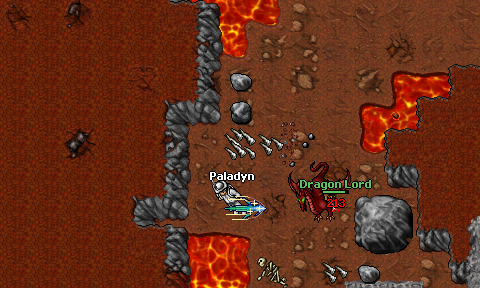
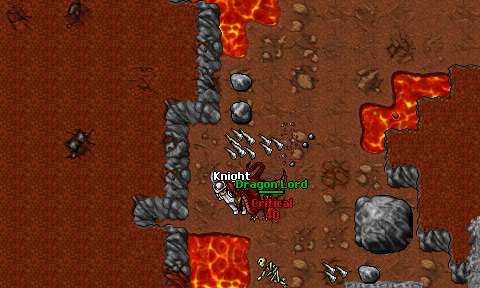
Normal physical weapon hits by Knights and Paladins can become critical hits. The chance depends on trained weapon skill; skill bonuses from equipment and temporary effects do not increase this chance.
Critical hit chance by trained skill
Knight: Sword, Axe or Club
Paladin: Distance
Critical hit chance
30 or less
35 or less
0%
40
45
1%
50
55
2%
60
65
4%
70
75
6%
80
85
8%
90
95
9%
100 or more
105 or more
10%
Between the listed thresholds, the chance increases linearly.
A critical hit adds a random 50–100% damage. For example, a normal hit for 200 damage becomes 300–400 damage.
This bonus does not apply to runes, spells, additional elemental damage or damage over time (DoT).
Older news +
Client
Reconnecting and the Esc key
Auto reconnect can retry login after a lost connection. Enable it in Extra Options — it is off by default. Esc closes the topmost window even after the focus changes.
Fixes
Weapons and rune creation
Physical weapon damage has been corrected. Rune creation accounts for the actual weight increase, including the blank runes consumed. The weight of an existing stack is not counted again.